
Everything RoarPOS does
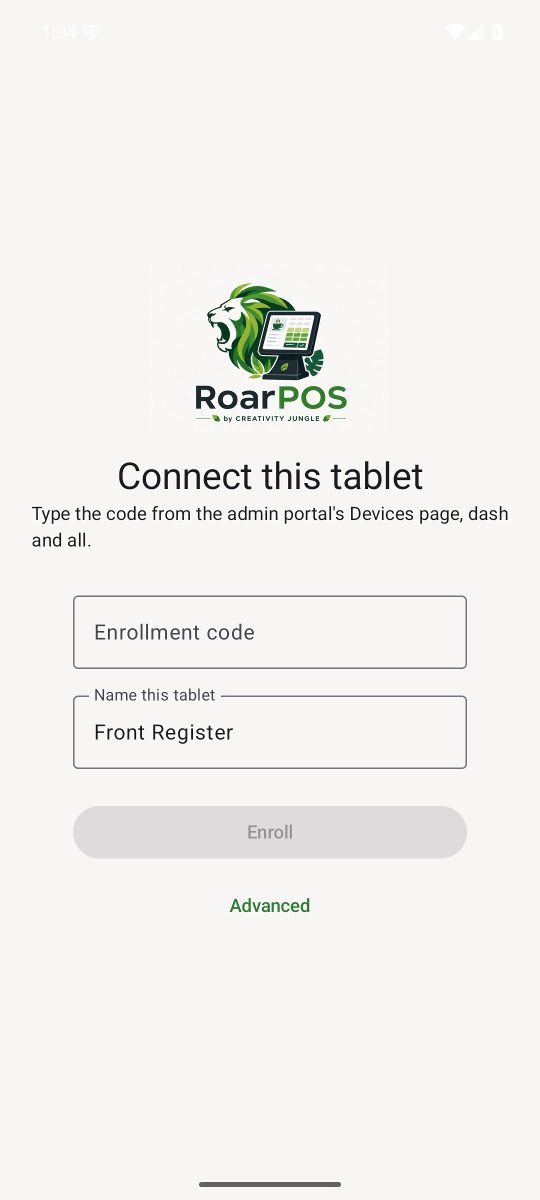
The register
- Staff sign in with a four-digit PIN, verified on the tablet even when offline
- Cash, card and invoice tenders, tips, discounts and loyalty
- Sells offline and drains the queue when the connection returns
- Menu refreshes every minute; a price change lands before the next customer
- Updates itself from Settings, never forced, with what's new before you say yes
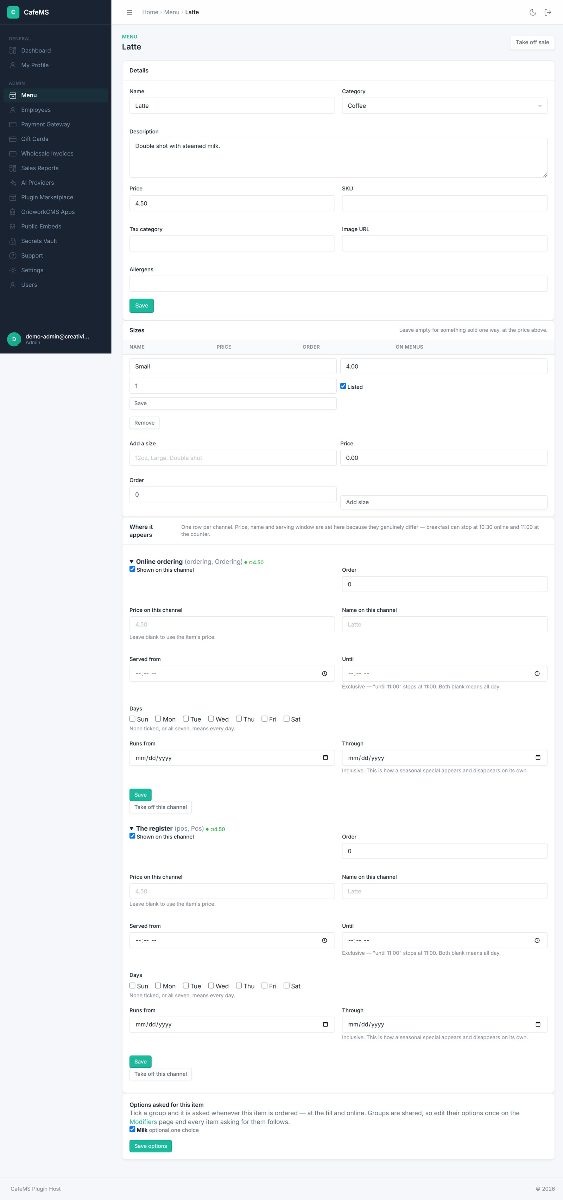
Menu, sizes and modifiers
- Per-channel price, name and serving hours, so breakfast can stop at 10:30 online and 11:00 at the counter
- Seasonal specials that appear and disappear on their own dates
- Remove a channel or category and move its items in the same step
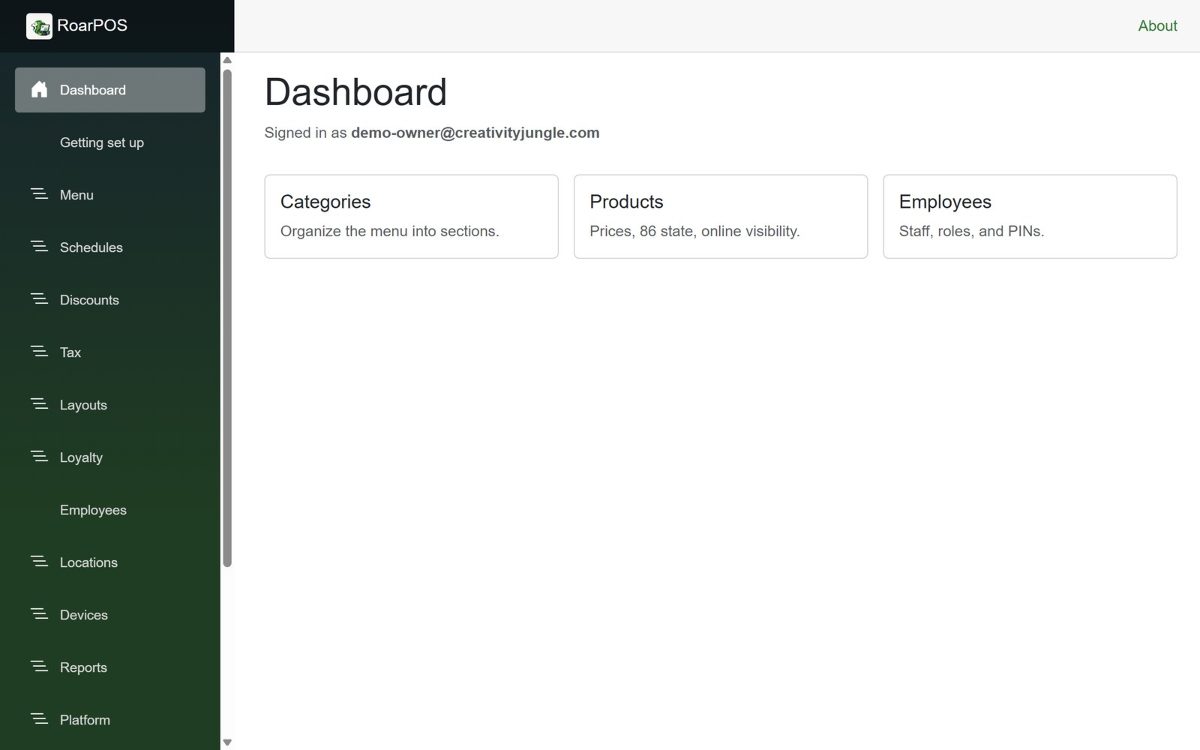
The owner portal
- Tax profiles and rates per location
- Employees, roles and PINs
- Register layouts, schedules and discounts
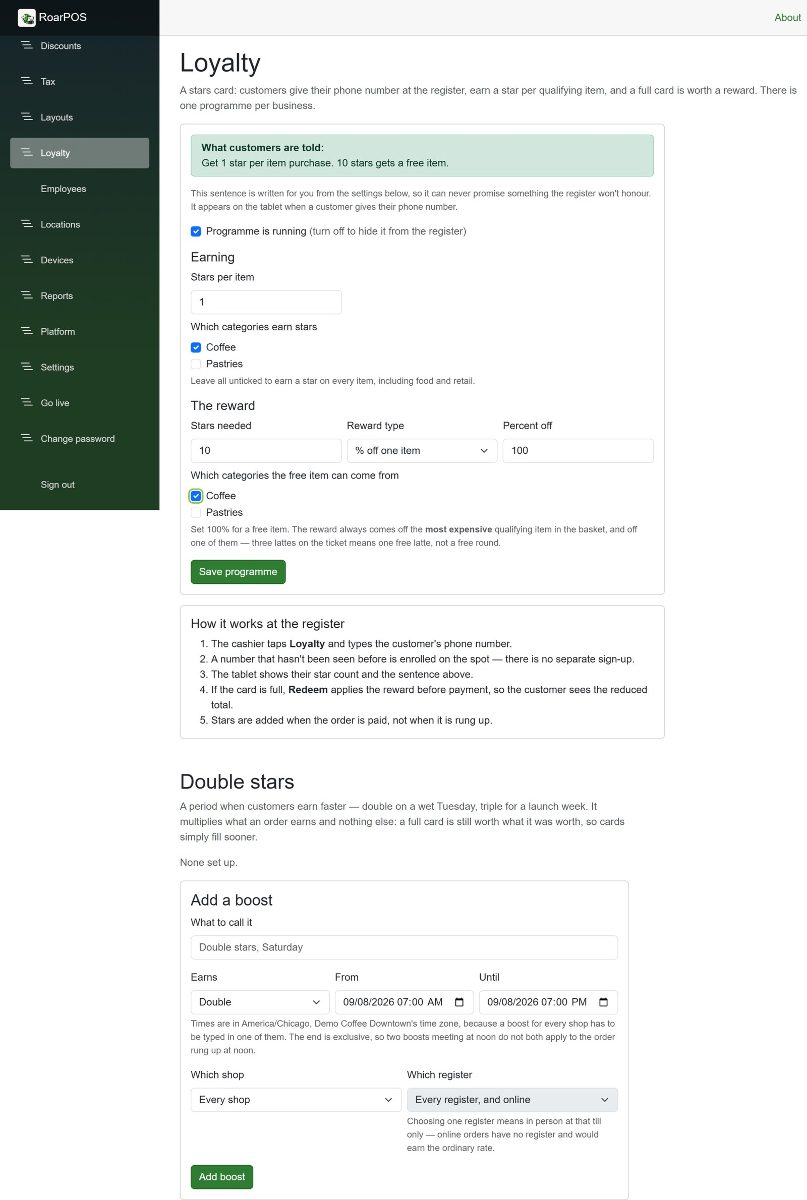
- Loyalty programmes with boost windows
- Go live on your own domain from the portal
Loyalty, gift cards and wholesale
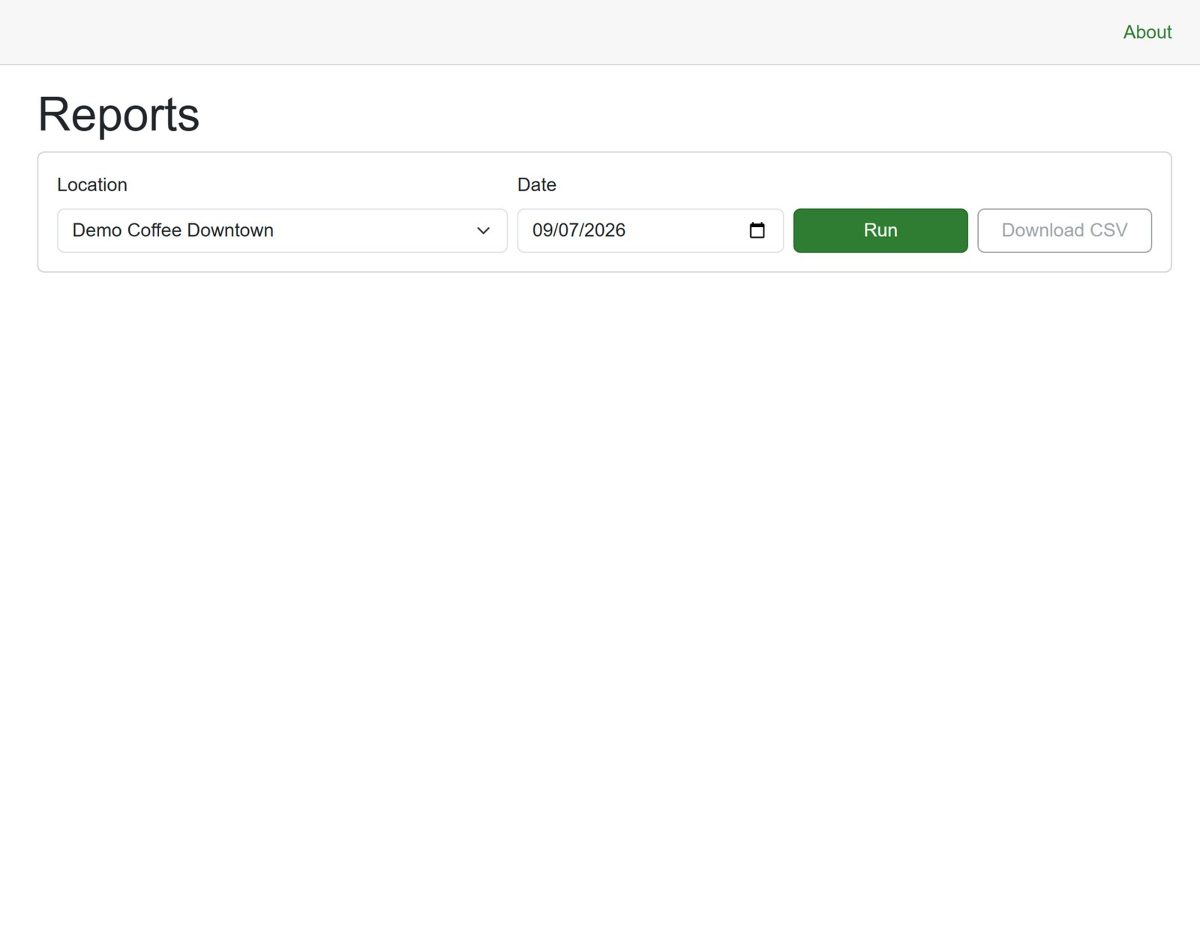
Reports that answer the question
Online ordering and kitchen display
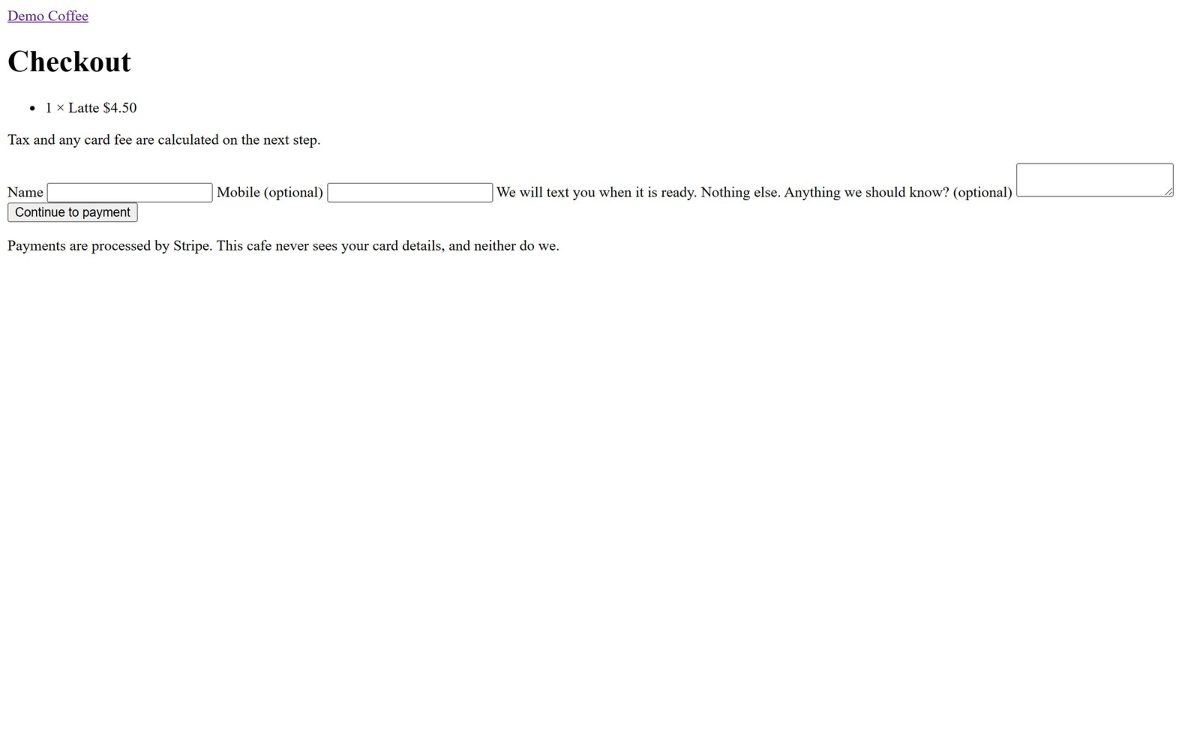
Payments, done properly
Questions cafes ask first
Do I need special hardware?
Any Android tablet running Android 8.0 or newer, used sideways. A Stripe WisePOS E for card payments. Anything with a browser for a kitchen display or menu board. A receipt printer on the network if you want paper.
What happens when the internet drops?
The register keeps selling from its cached menu and prices. Sales queue on the tablet and go out when the connection returns; the count of unsent sales stays on screen so a shift never ends with money still on the tablet.
Is the menu really shared?
Yes. There is one menu, in the back office. The register, the ordering page, the website and any menu board read it, each through its own channel. The register checks for changes every minute.
Who holds the card payments?
Stripe, in the cafe's own connected account. RoarPOS never sees a card number and the platform never holds the cafe's money.